Welcome, dear seeker. If you are new to the world of digital chanting, you might be wondering how to get started. The good news is that we have designed the Radha Naam Jap Counter Online to be the simplest spiritual tool on the internet. There are no logins, no downloads, and no complex menus. Just pure devotion. You can start your practice immediately with our free online mantra counter.
This guide will walk you through every feature, from your first tap to mastering your daily streaks.
1. Getting Started
Open radhanamjapcounter.com on any browser (Chrome, Safari, Firefox) on your mobile phone, tablet, or laptop. The website loads instantly.
Note: You do not need an internet connection after the page loads. It works perfectly offline, making it ideal for subway commutes or remote pilgrimage spots.
2. How to Count Your Chants
The core feature of this tool is the Tap to Count mechanism.
For Mobile Users:
Hold your phone comfortably in one hand. You can tap anywhere on the screen to register a count. The large circular bead in the center will animate, simulating the tactile feel of moving a tulsi bead. This Tap Anywhere feature ensures you don't have to look at the screen constantly; you can close your eyes and focus on the mantra.
For Desktop/Laptop Users:
Simply click anywhere on the screen with your mouse or trackpad. Each click counts as one Radhe Radhe.
3. Completing a Mala (108 Beads)
A traditional mala consists of 108 beads. Our digital counter respects this sacred number.
- The large number in the center shows your current bead count (0 to 108).
- The smaller text below shows your Rounds (how many malas you have finished today).
- When you reach 108, the counter will give you feedback (a sound or vibration) and automatically reset the bead count to 0, while increasing your Round count by 1.
4. Customizing Your Experience
Click the small Settings Icon (usually at the bottom right) to open the preferences menu. Here you can control:
Sound (Bell)
Toggle the soft bell sound that plays when you finish a mala. Helpful for knowing when a round is done without looking.
Haptic Feedback
Enable vibration on mobile devices. This gives a small physical buzz on every 108th count.
Mala Size
Switch between 108, 216, or 1008 beads depending on your specific vow or practice intensity.
Reset Counter
If you want to start fresh, use the reset button to clear your current progress.
5. Understanding Streaks
At the top left of the screen, you will see a small flame icon. This is your Daily Streak.
Every day that you complete at least one full mala (108 chants), your streak increases by 1 day. If you skip a day, the streak resets. This gamified element is designed to motivate you to maintain consistency. A disciplined sadhana (practice) is the key to spiritual success.
The best time to chant is whenever you remember. The best place to chant is wherever you are.
Open Counter & Start Now6. Pro Tips for Deepening Your Practice
To get the most out of your digital chanting experience, consider these advanced tips shared by experienced practitioners:
- Sync with Breath: Inhale the name "Radhe" and exhale "Radhe". Use the tap to anchor your breath and mind together.
- Silent Mode: In public spaces, use the vibration-only mode. It allows you to maintain your vow of chanting without drawing attention.
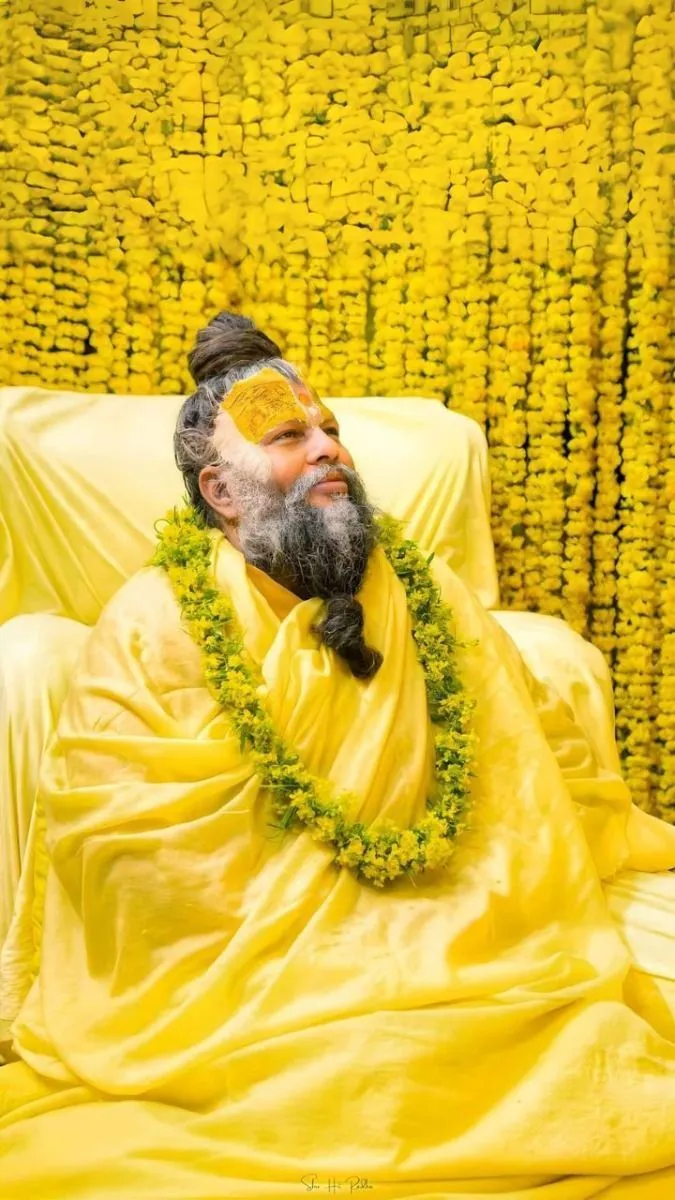
- Visual Focus: While tapping, keep your eyes on the image of Premanand Ji Maharaj or the name of Radha Rani provided on the home screen.
7. Why Choose Our Online Mantra Counter?
We developed this Radha Naam Jap Counter as a selfless service to the spiritual community. Unlike other apps that require logins or show intrusive ads, our tool focuses entirely on your devotion.
The "Tap Anywhere" logic was specifically inspired by traditional mala practitioners who close their eyes during japa. By removing the need to hit a specific button, we allow your consciousness to stay fixed on the mantra, not the technology.
Spiritual Insight Disclaimer
The information provided in this article is for educational and spiritual purposes, based on traditional Vedic scriptures and Gaudiya Vaishnava teachings. It is not intended as a substitute for professional psychological or medical advice. Our mission is to preserve and share the ancient science of Bhakti Yoga respectfully.